
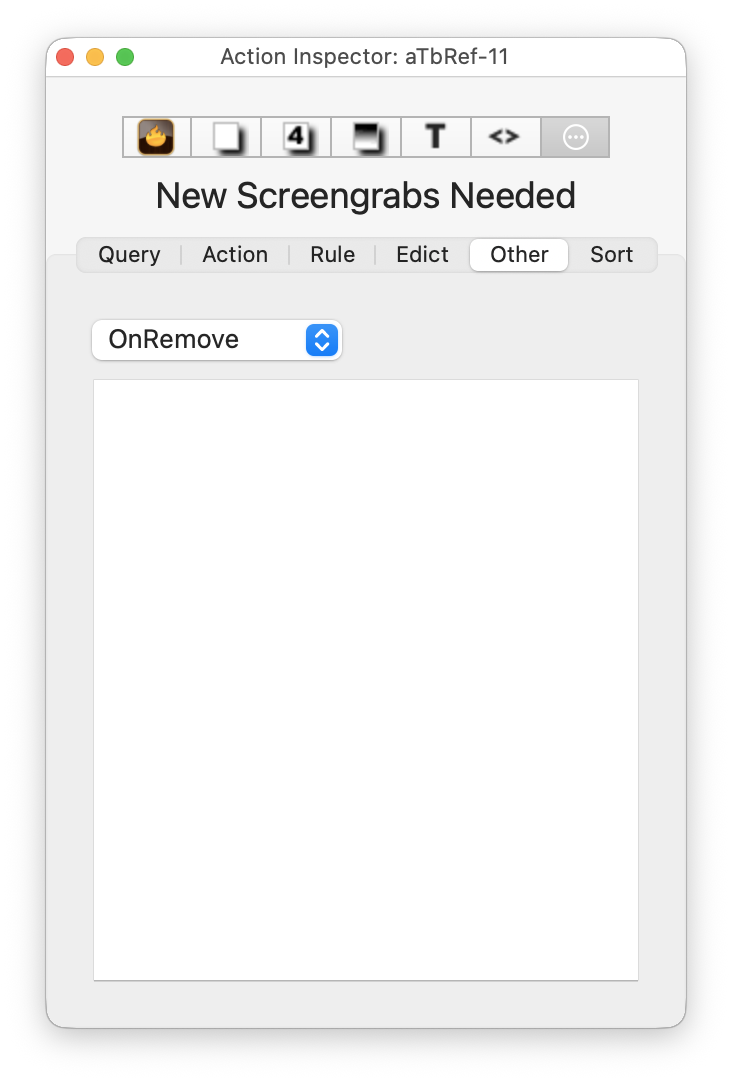
From v11.7.0, the Remove pane is replaced by the Other pane, which lists all the other actions in a popup menu button, listing a series of less frequently used actions. The actions listed are:
- OnRemove. See $OnRemove. Immediately before a note is deleted, the OnRemove action of its parent container is performed. The OnRemove action for agents is applied to the original note, since the alias will be deleted. If the note lay on an adornment, the adornment's OnRemove action is performed. In the action, the effect is bound to the note that will be removed.
- OnMouseDown. ($OnMouseDown). The action performed in map view when mouse cursor is pressed: see mouse actions.
- OnMouseDrag. ($OnMouseDrag). The action invoked while the mouse is down if the mouse is moved and the note is locked: see mouse actions.
- OnMouseUp. ($OnMouseUp). The action performed in map view when mouse cursor is released: see mouse actions.
- OnPaste. See $OnPaste. The OnPaste action is performed when a note is pasted, either into the same document or into a new document. If more than one note was copied, OnPaste is called after this note has been created, but may be called before other notes have been created.
- OnVisit. See $OnVisit. In Storyspace, an action performed when the reader visits the note. This is honoured in Tinderbox and can be used as an 'OnSelection' event trigger.
For agents, note that:
- these actions are performed on the original of the agent alias.
- these actions cannot be set from the 'agent' pane of the Get Info pop-over.
The main input box is used for adding or editing the action code. Pressing the Return key (↩) commits any changes made and runs (or updates) the query. The code box has auto-completion for action code and attribute names (based on using a $-prefix). The code box supports syntax colouring.
Code fields do not select the entire text when gaining focus or after pressing the Return key (↩) to update (save changes). This lessens the chance of accidental deletion of existing code.
See also—notes linking to here: