
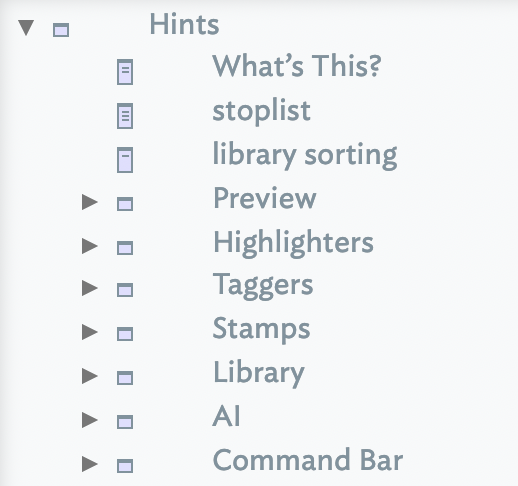
From v11.7.0, each note inside /Hints/Command Bar becomes a Command Bar item. The container's $OnAdd sets the prototype 'A Command Bar Item'. That prototype is added to the documents Prototypes container as part of adding/updating the Hints container.
Command Bar items are intended to hold action code.
The note's $Name is the name of the item, typed by the user.
The note's $Subtitle is the description of the item, which is also displayed as part of the command bar item in map view.
An optional query, $EnabledWhen, allows optional inclusion or exclusion of as a matched item. If $EnabledWhen is not empty (i.e. has a query), that item can be selected only if the query is satisfied. Otherwise the custom command is always available for a match. For example, this could offer an item to 'Install Dashboard' only if that dashboard was not already installed.
See also—notes linking to here: