
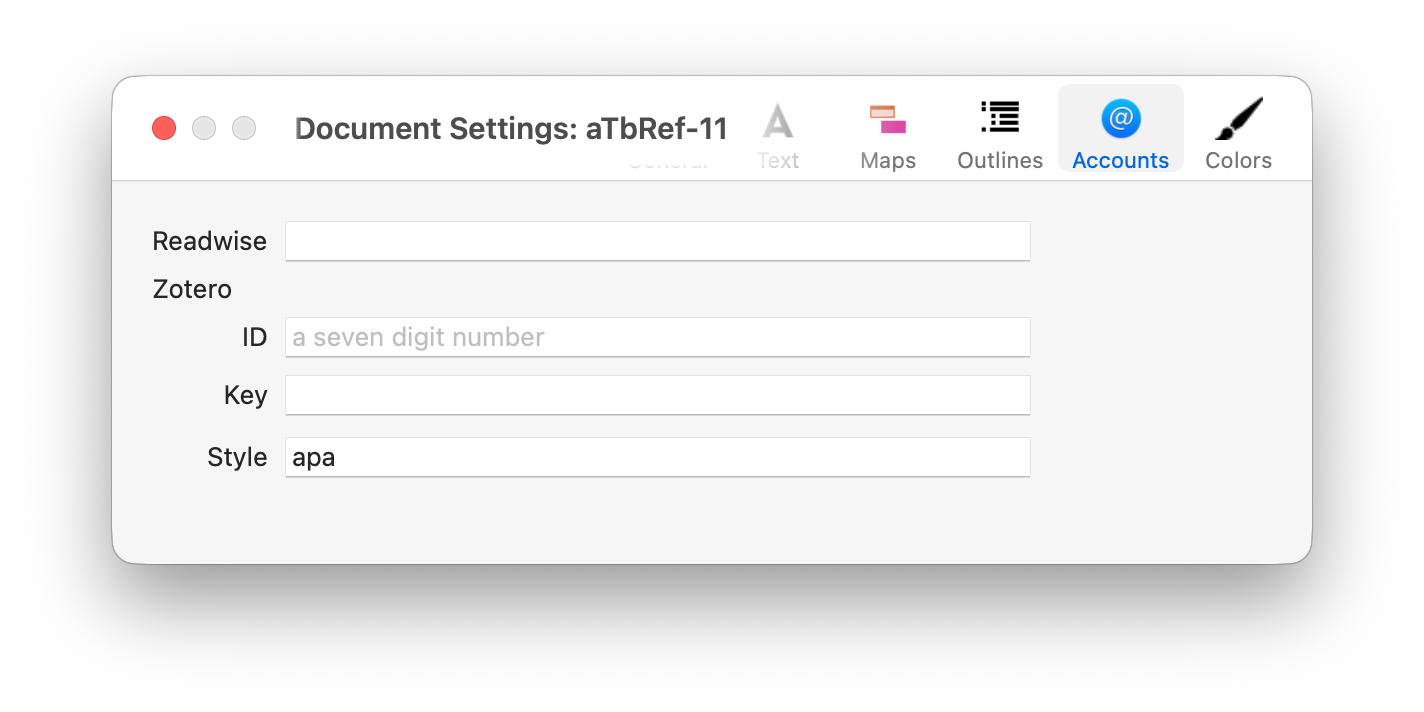
This tab holds account criteria for various tools with which Tinderbox can communicate.
Readwise
This is for Readwise data import, and the box should hold the users Readwise Authorisation Token.
Zotero
This is for reference management using the Zotero app. There are three inputs, the first two can be obtained from the Zotero user account Settings page as https://www.zotero.org/settings/security. As user wishing to use this feature will need a (free) online account even if using the macOS native desktop Zotero app as he latter does not generate these codes. The three controls are:
- ID. The users' Zotero ID, a seven figure number.
- Key. The key from account settings.
- Style. The desired publishing format. The default is "
apa". You can use any format installed in your Zotero app/account (i.e. you can add other formats besides the default installed formats).
See also—notes linking to here: